PhD Student in LXDT | Designing Innovative, Technology-Driven Learning Solutions
Visual Literacy & Digital Development
This portfolio section features projects created for the Visual Literacy & Digital Development course, completed as part of my PhD in Learning Experience Design and Technology at the University of Oklahoma. Through this class, I explored foundational concepts in color theory, visual communication, and multimedia learning and design principles for educational purposes. I also developed practical skills using industry-standard tools, including Adobe Photoshop, Adobe InDesign, Adobe Premiere Pro, and Audacity for graphic design, layout development, video production, and audio manipulation.
This project is a visually driven presentation on fundamental color theory concepts, including primary color systems (RGB and RYB), the construction of the color wheel, and key color relationships such as complementary, analogous, and monochromatic schemes. Designed in Canva, the presentation emphasizes clarity, visual hierarchy, and progressive learning by building concepts step-by-step. All graphics, including the color wheel visualizations, were created from scratch to ensure originality and alignment with instructional goals. For a higher-quality view, please see it on Canva.
Instructional Video Edited with Adobe Premiere Pro
Instructional video edited in Adobe Premiere Pro demonstrating how to tie shoelaces. The project focuses on clear step-by-step sequencing, basic cuts, and visual pacing to support procedural learning. Due to time constraints as a class assignment, some areas could be further refined, and improvements are planned for a future iteration.
Step-by-step instructional video on tying shoelaces, edited in Adobe Premiere Pro, focusing on clear sequencing and basic editing techniques; some areas remain a work in progress due to time constraints.
Super short video
Cinemagraphs
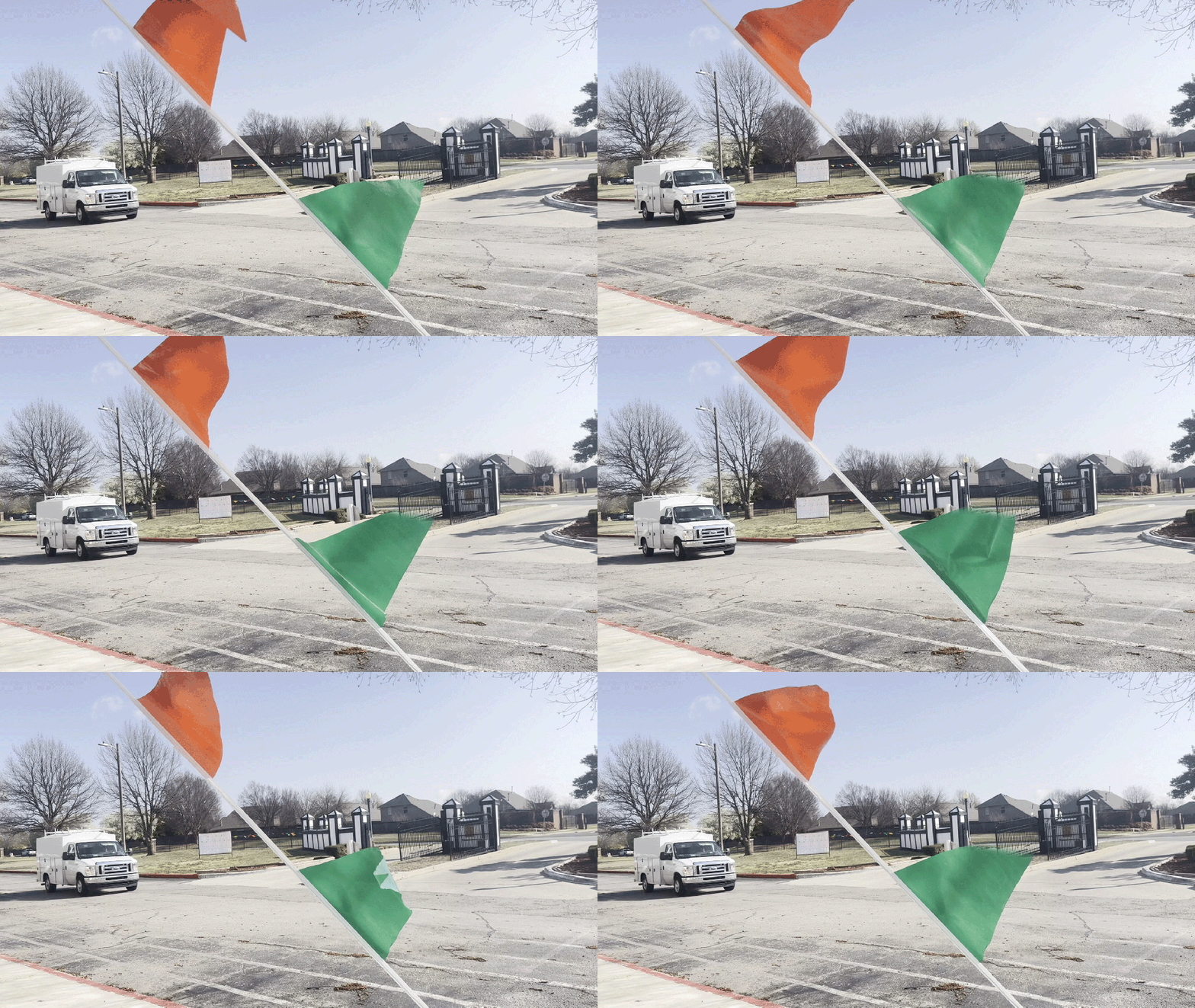
Cinemagraphs are hybrid visuals that combine a still image with a small, repeating loop of motion, creating the illusion of a photograph that subtly moves. They are typically created from video by isolating specific areas of motion while keeping the rest of the image static.
Cinemagraph of meerkats created in Adobe Photoshop by importing video as frames, isolating subtle motion, and masking the rest to keep the scene still. The original video framing shifted slightly, which affected the loop; otherwise, it would have been seamless.Cinemagraph created in Adobe Photoshop by importing video as frames, isolating a looping motion, and masking the static areas to blend stillness with subtle animation.
Animations
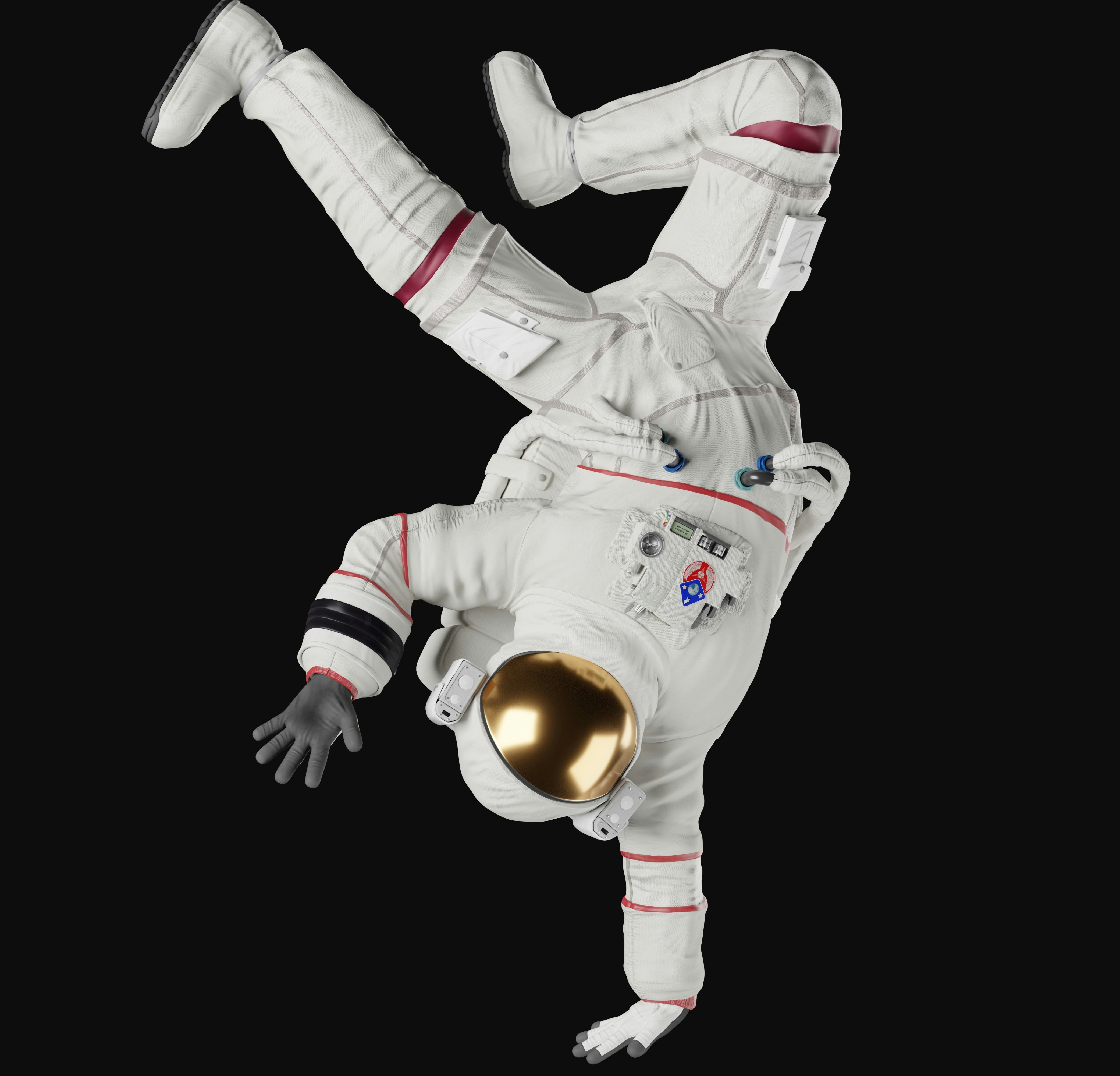
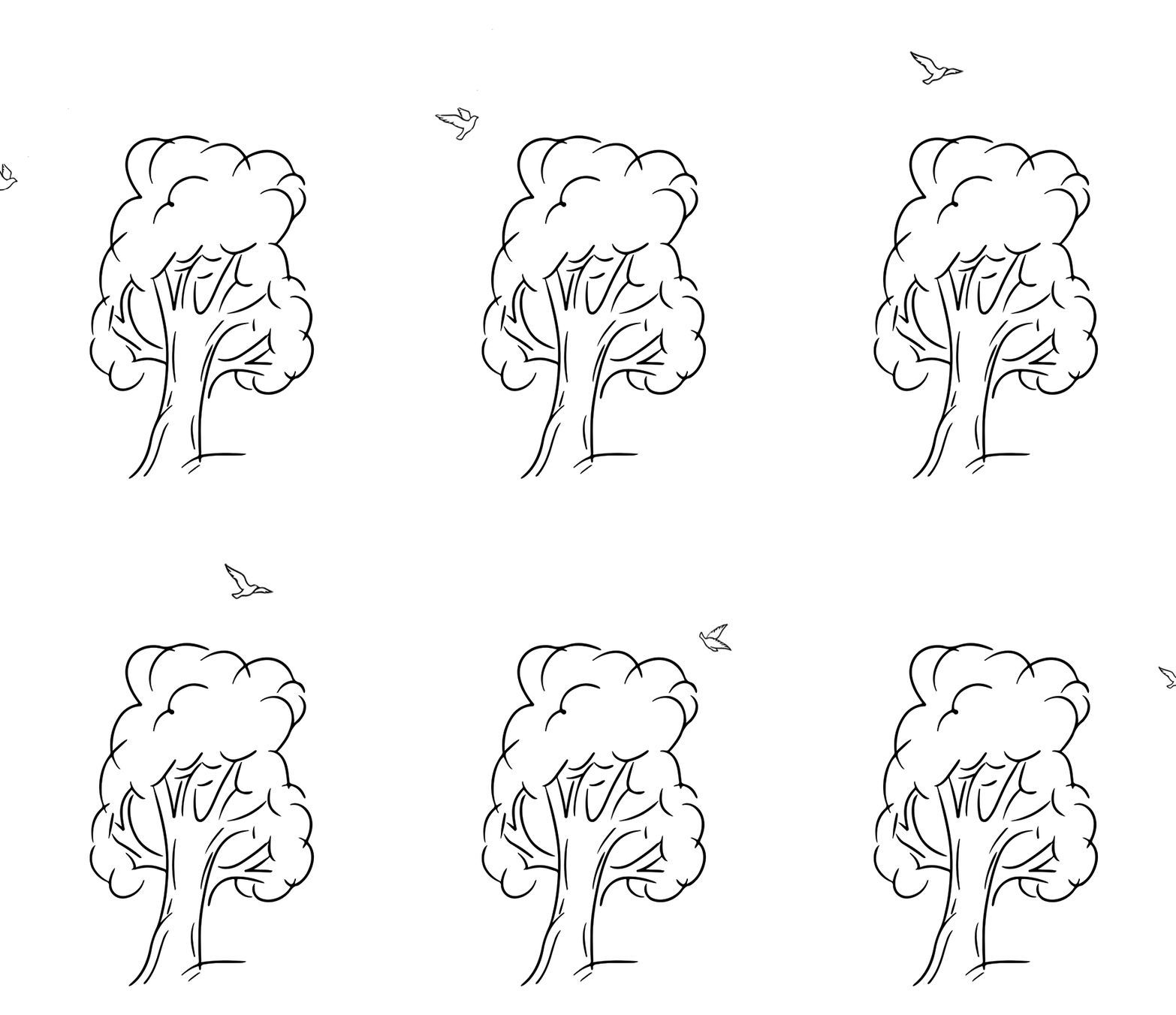
Animations designed to showcase key Gestalt principles, highlighting how visual relationships and motion influence how information is perceived.
This composition demonstrates the Gestalt principle of figure–ground, where strong contrast and lighting clearly separate the astronaut from the swirling cosmic background, directing immediate visual attention to the subject. (I wish I could spend more time in Photoshop on this to make the clouds move)
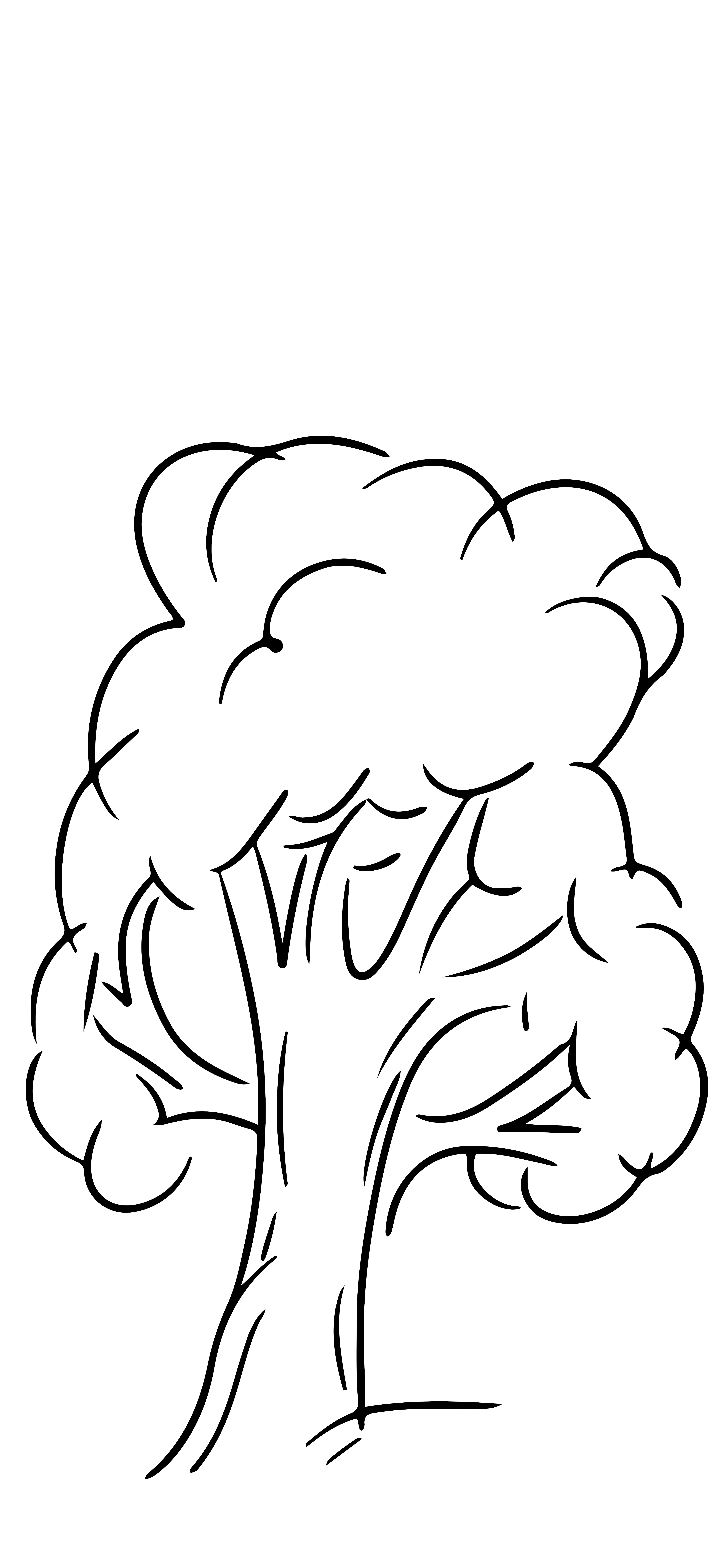
Frame-by-frame animation created in Adobe Photoshop, illustrating a bird flying past a tree using simple line art and sequential motion.
Sound Editing with Audacity
Original audio of me coughing xDAdded a sound to it and made a loop; don’t worry, I’m still alive!Multi-source sound mixture using Audacity
Montage
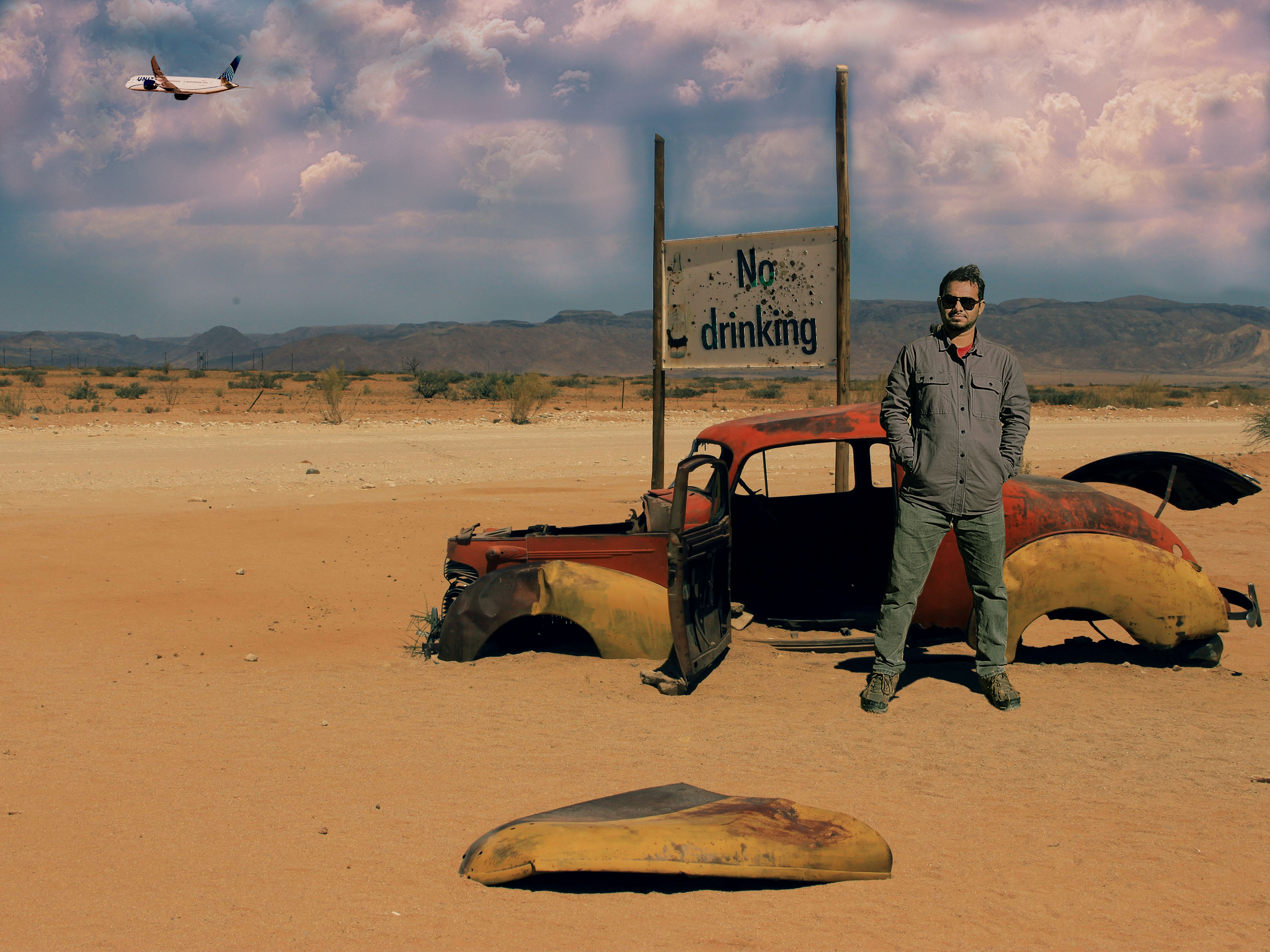
A cinematic desert montage created by compositing multiple image sources into a cohesive narrative scene through advanced color grading, lighting alignment, and environmental blending.
Final montage created by integrating a new subject (me), modified signage (with splatter), added cloud layers, and an inserted aircraft element, with unified color grading and lighting adjustments to create a cohesive and realistic desert scene.
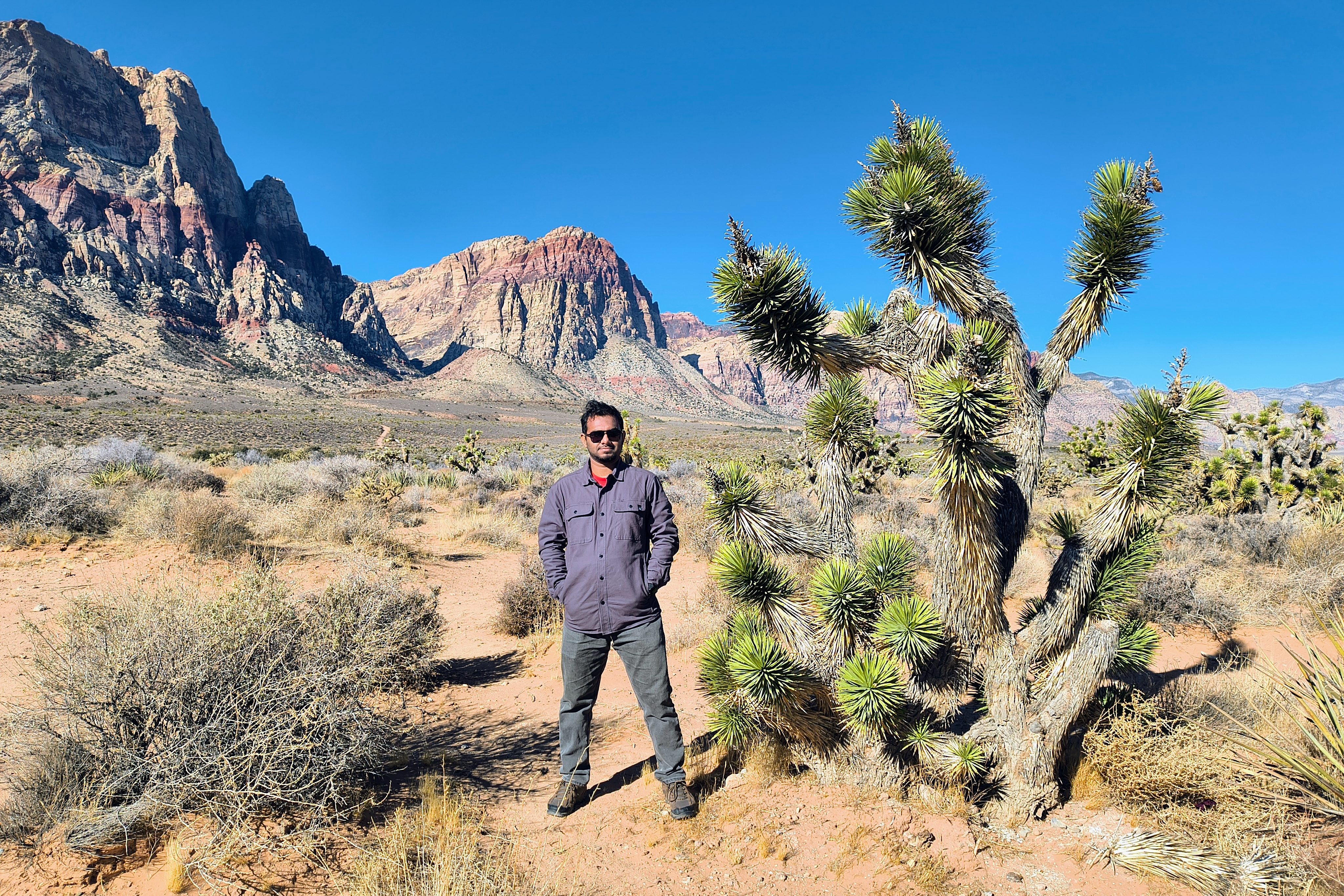
Subject Integration: The subject was extracted and repositioned into the desert landscape. Lighting direction and color balance were adjusted to match environmental conditions, and custom shadows were added to ensure visual realism.
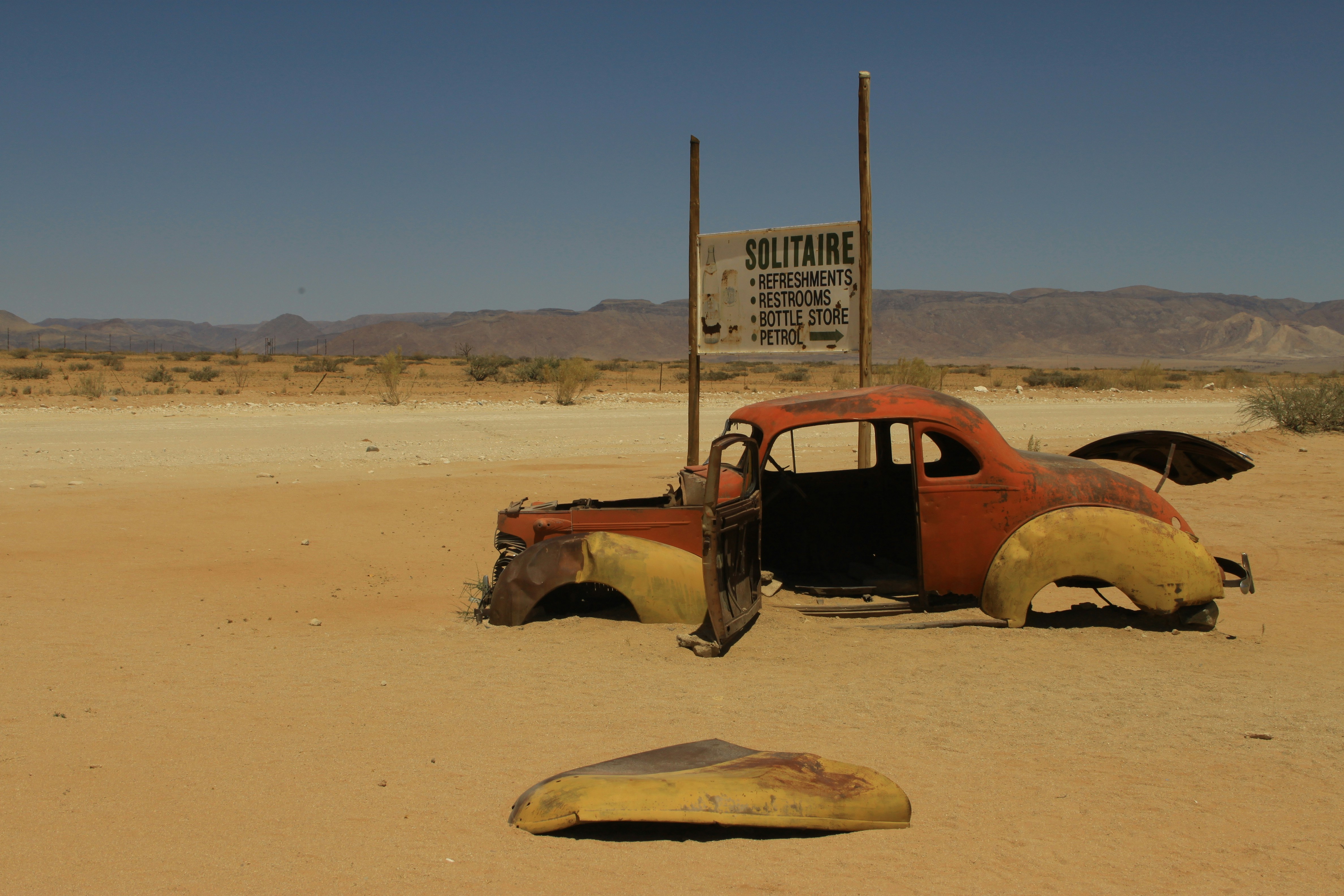
Background Modification: Original signage elements were removed and redesigned to fit the narrative context. Texturing techniques using paint splatter were applied to maintain environmental authenticity.
Atmospheric Enhancement: Cloud layers were introduced and color-adjusted to create depth and atmospheric continuity across the scene.
Motion Element Integration: An aircraft element was incorporated and color-matched to reinforce scale and environmental realism within the composition.
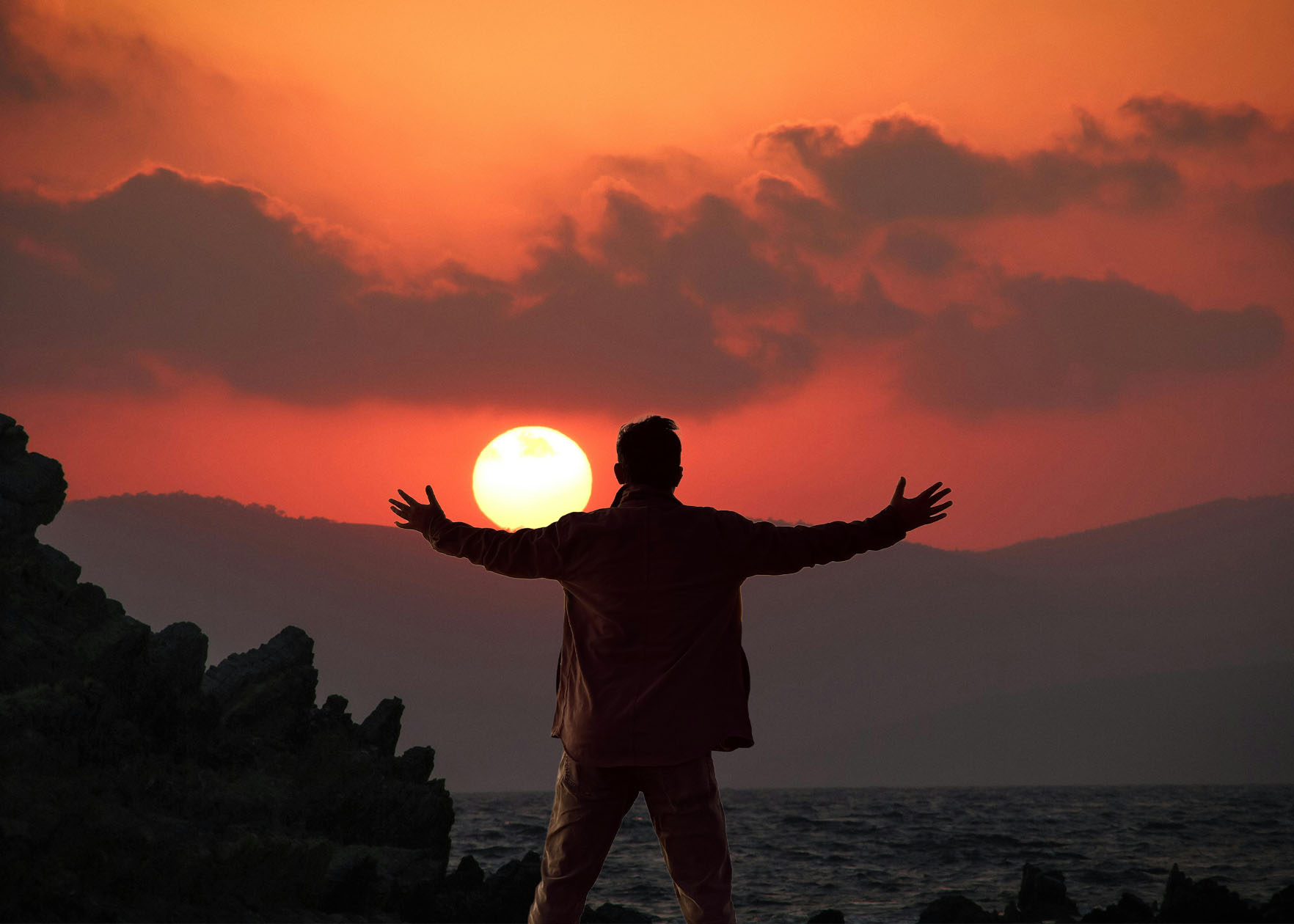
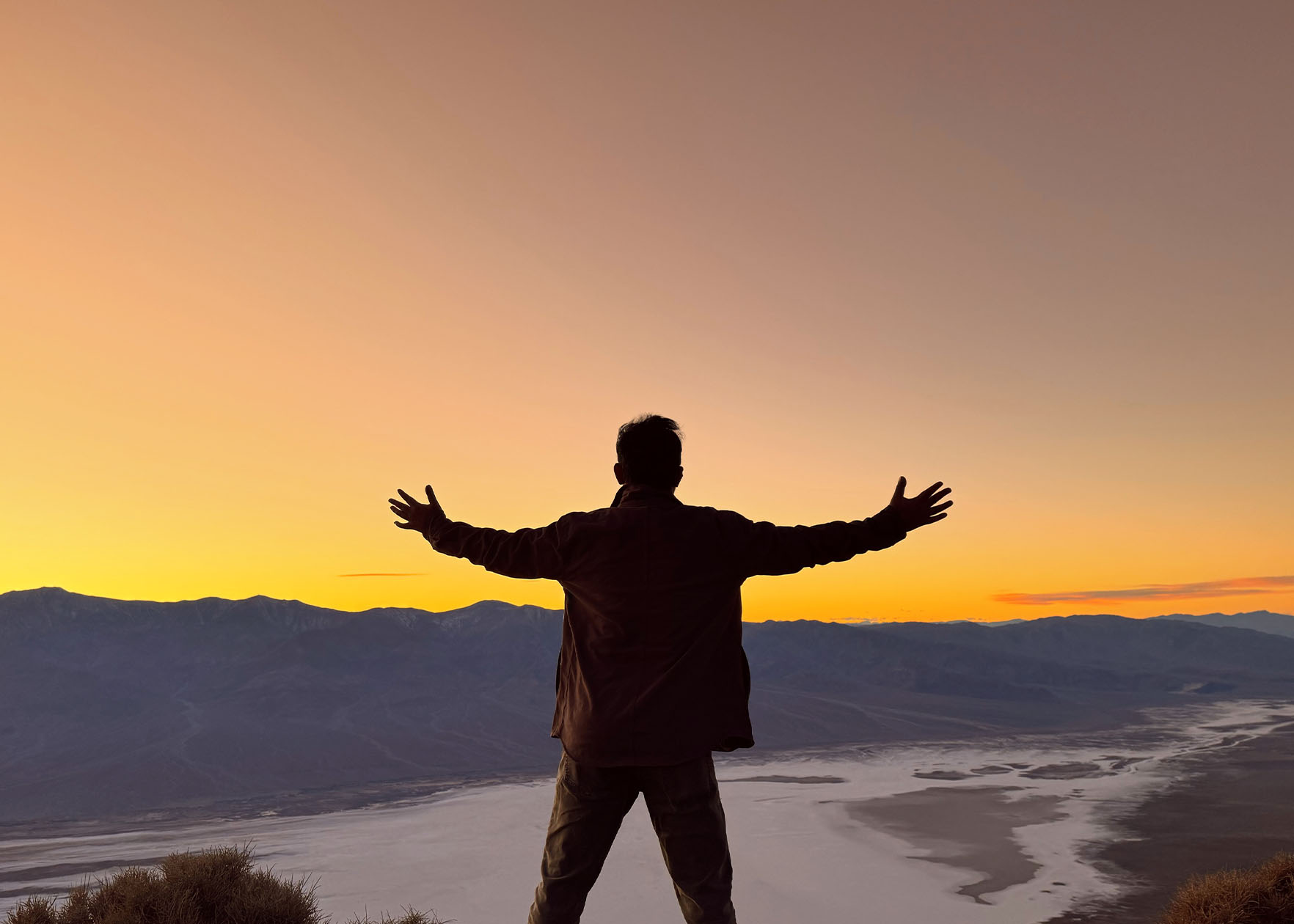
Playing with the BackgroundPhotoshop
Final Image with New BackgroundOriginal ImageOriginal Background
Final Image with New Background
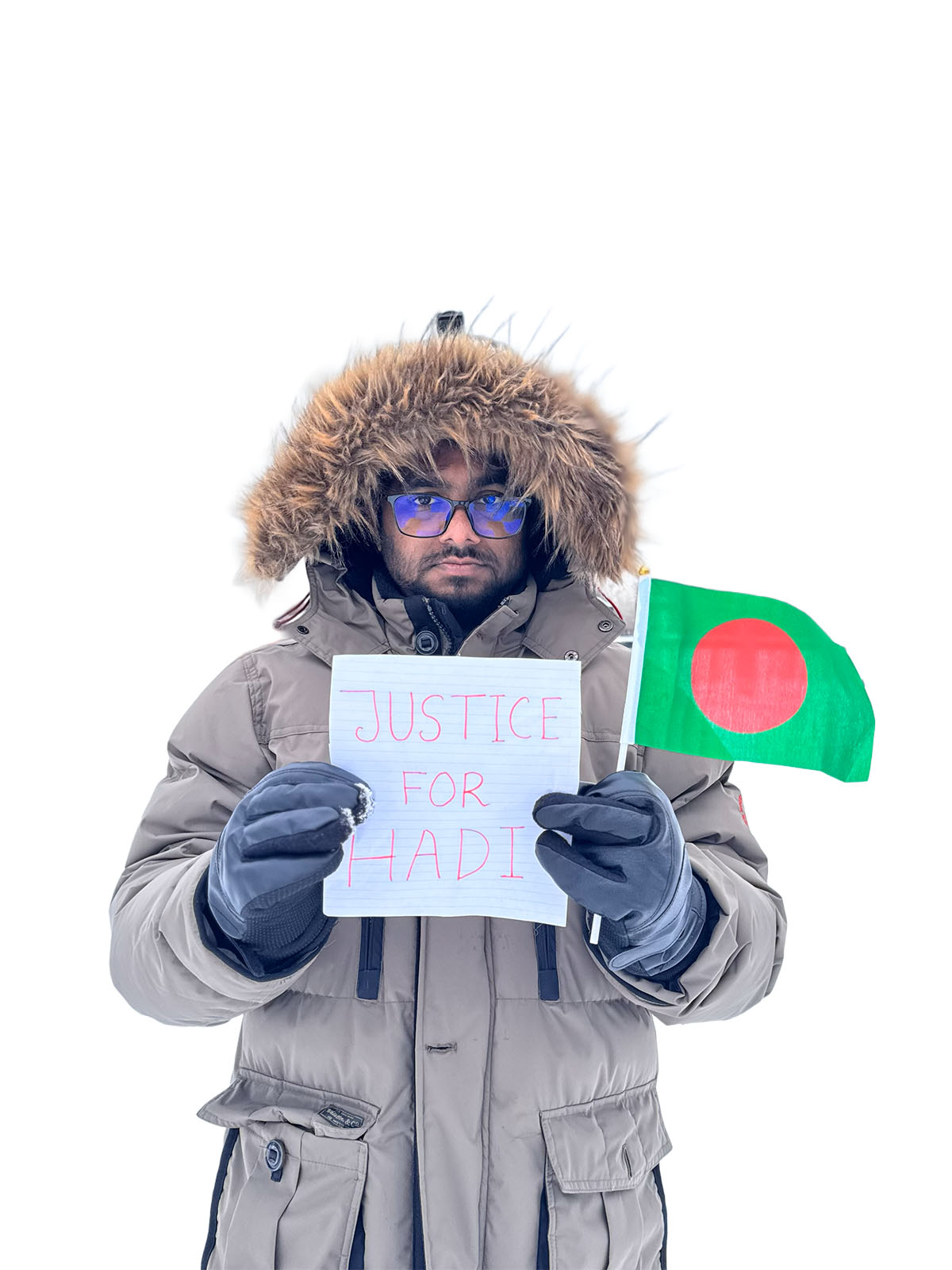
No Background
Original Background Image
ImagesEdited in Photoshop
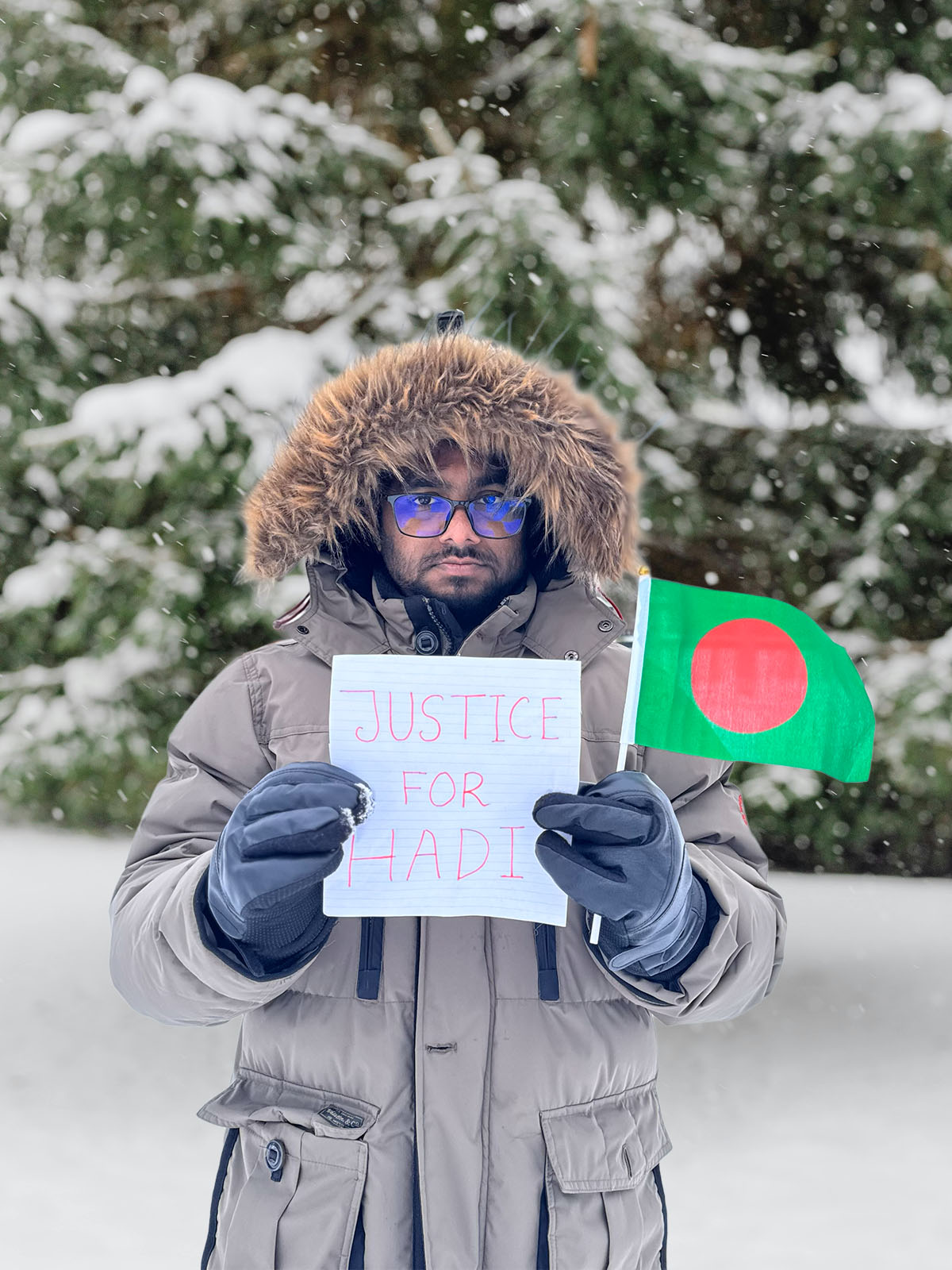
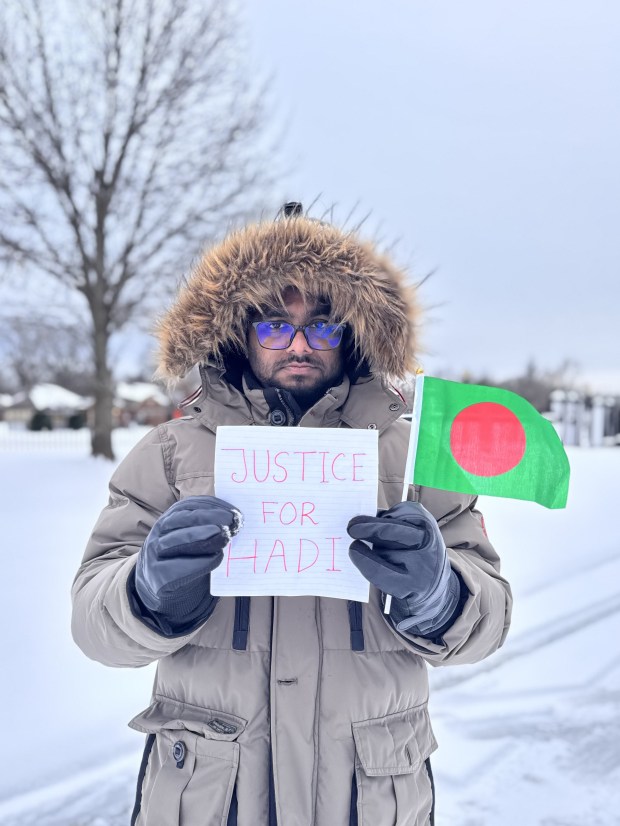
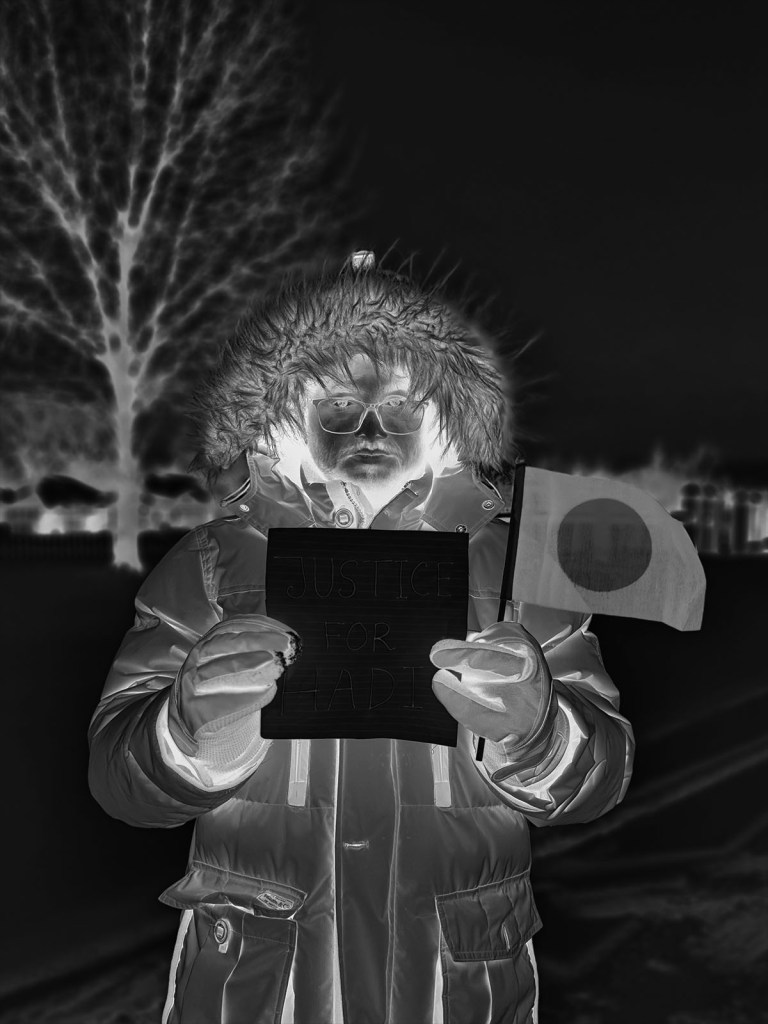
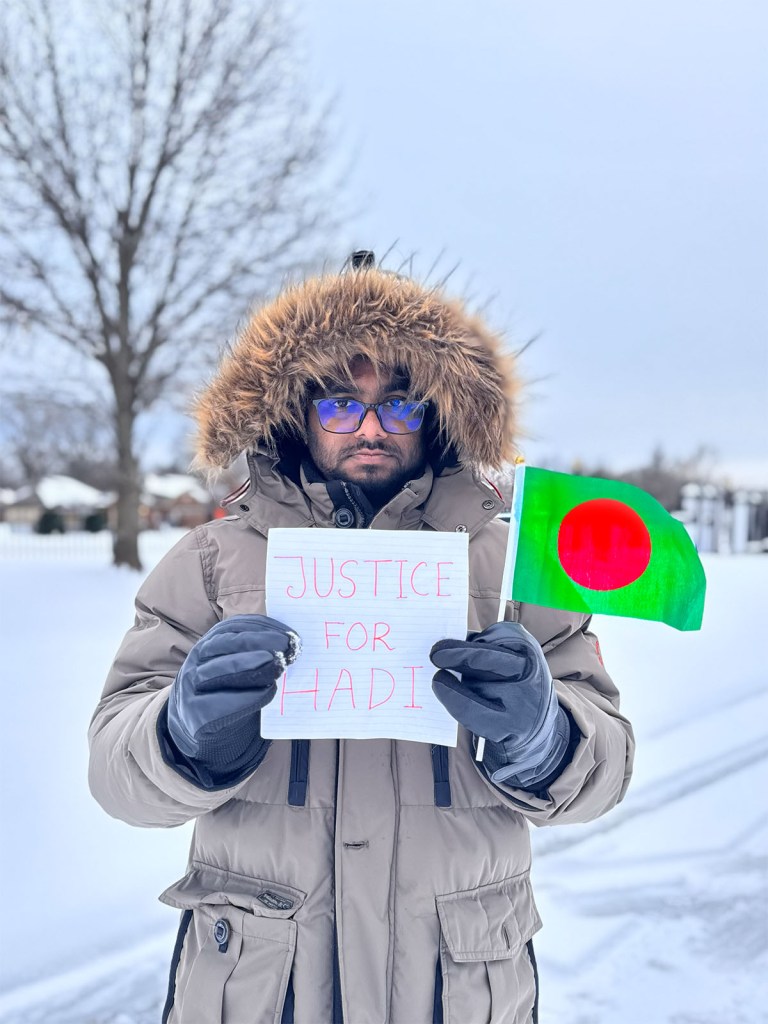
Original Image: This photograph was taken by my wife using an iPhone 15 Pro. It is currently used as my Facebook profile image as part of an online campaign seeking justice for Osman Hadi, a youth leader in Bangladesh whose killing sparked public concern and calls for accountability.
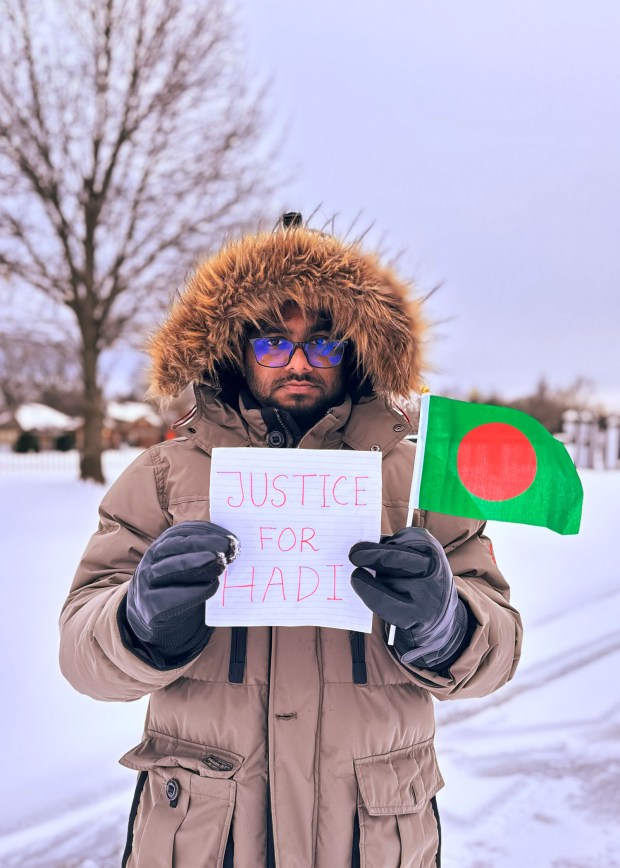
First Edit: Cropped to improve composition, followed by tonal and exposure adjustments in Adobe Photoshop. A darker preset from the Portrait filter set was then applied to enhance color depth, contrast, and overall visual balance, resulting in a more polished and visually cohesive final image compared to the original.
2nd Edit: An additional adjustment was applied using Photoshop’s Adjustment tools, followed by the Photo Repair preset filter with the Soft Contrast setting to enhance image contrast and clarity. While the resulting contrast appears slightly stronger than intended, the overall visual impact and tonal separation improved compared to the initial edit, making this version more visually appealing.
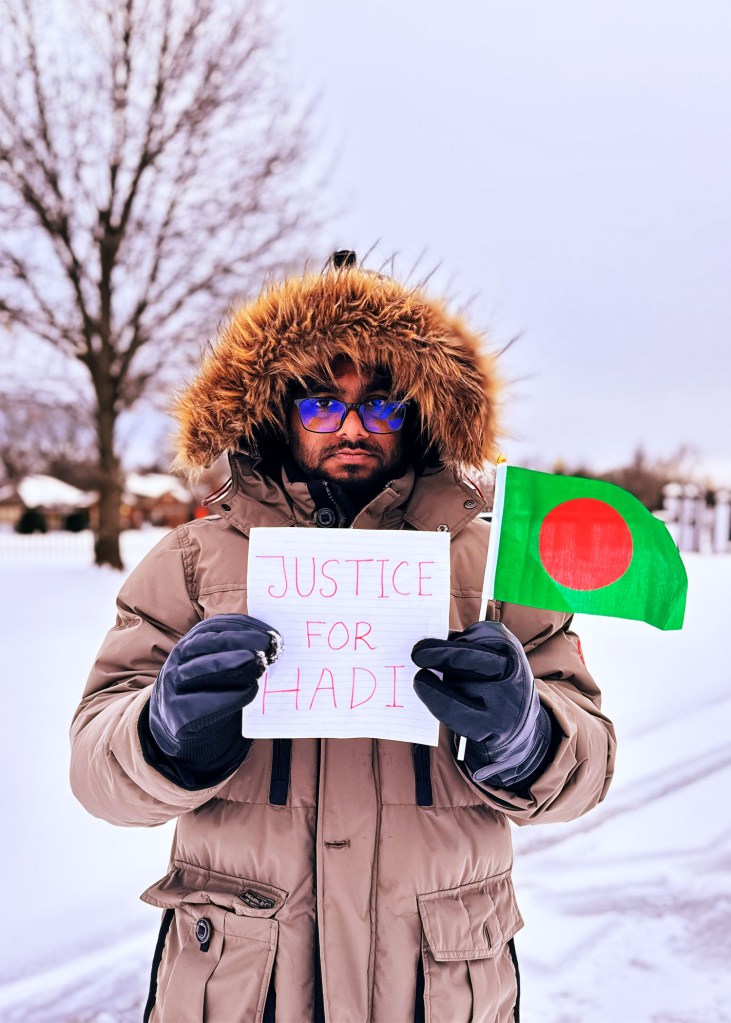
Fourth Edit: This edit applies the Cinematic Dark Mystery adjustment to create a moodier and more atmospheric visual tone. The preset deepens shadows and refines midtone contrast, drawing stronger focus to the subject while subtly darkening background elements. The result enhances emotional intensity and visual depth, producing a cinematic feel that emphasizes subject isolation and narrative presence compared to previous edits.
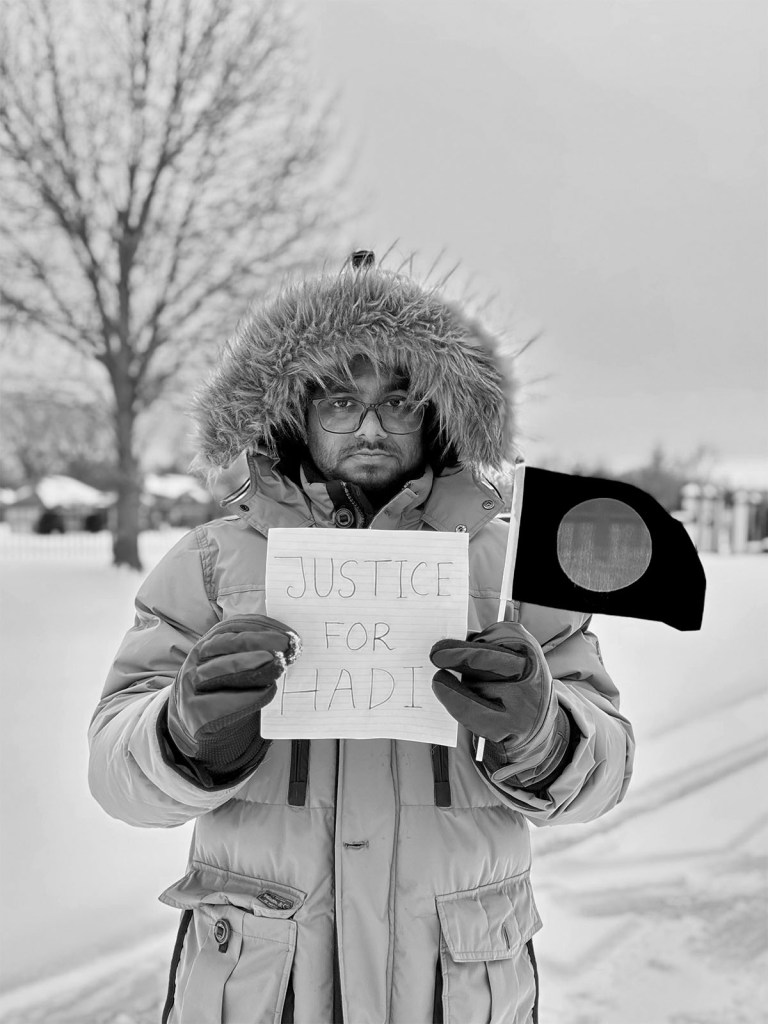
3rd Edit: In this version, a Creative Black & White adjustment was applied to transform the image into a high-contrast monochrome composition. The adjustment emphasizes tonal separation and texture, particularly in the subject’s clothing, facial features, and background elements, creating a more dramatic and expressive visual mood. It looks very unique from the other edits.
Fifth Edit: In this version, the adjustment brush tool was used to selectively enhance the color saturation and vibrancy of the flag, allowing it to stand out more prominently within the composition. This localized adjustment improves visual focus and strengthens the symbolic element of the image without altering the overall tonal balance of the scene. The result creates a clearer focal point and improves visual impact compared to the original image.