Visual Literacy & Digital Development

Mini2c: Montage

A cinematic desert montage created by compositing multiple image sources into a cohesive narrative scene through advanced color grading, lighting alignment, and environmental blending.
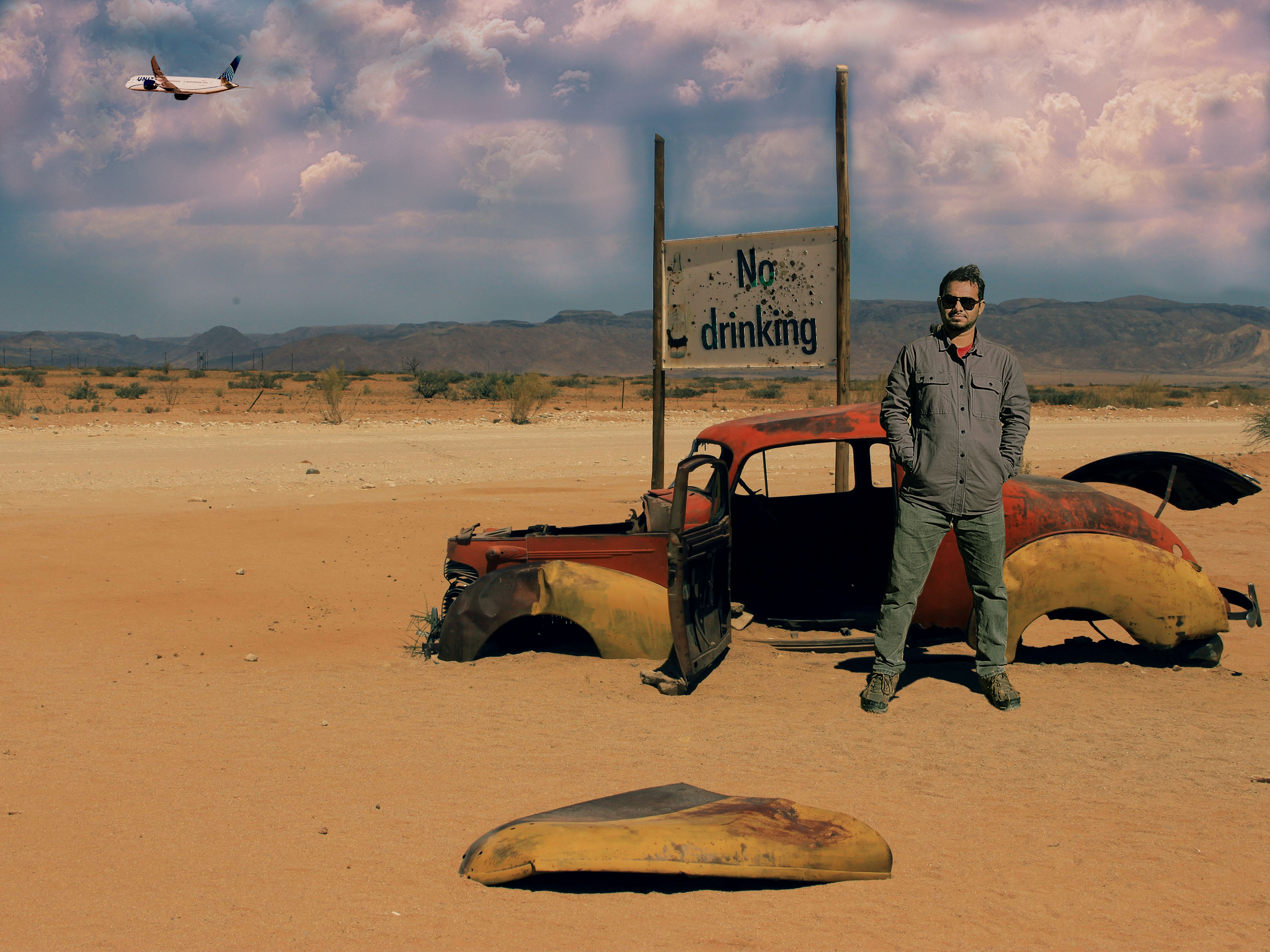
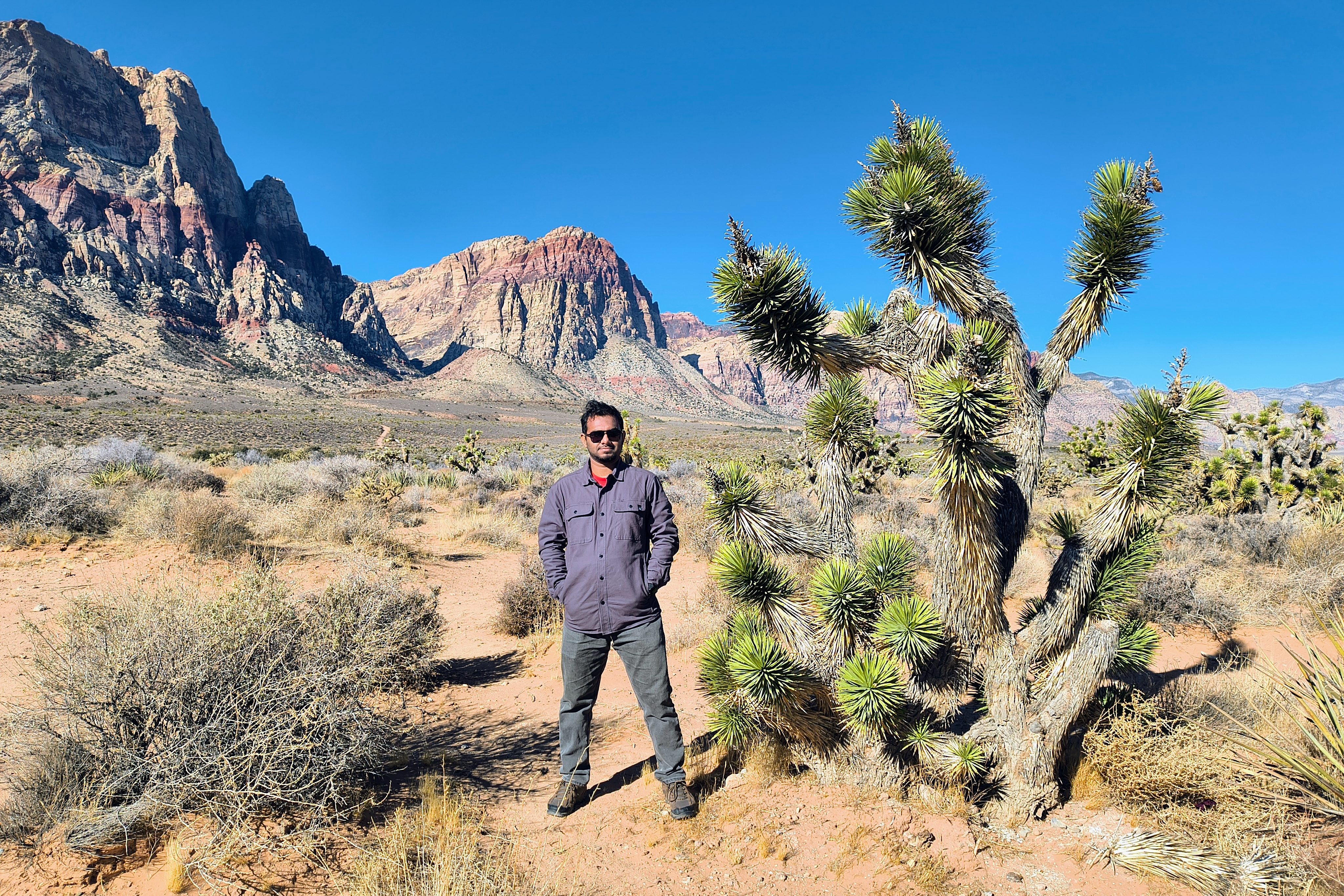
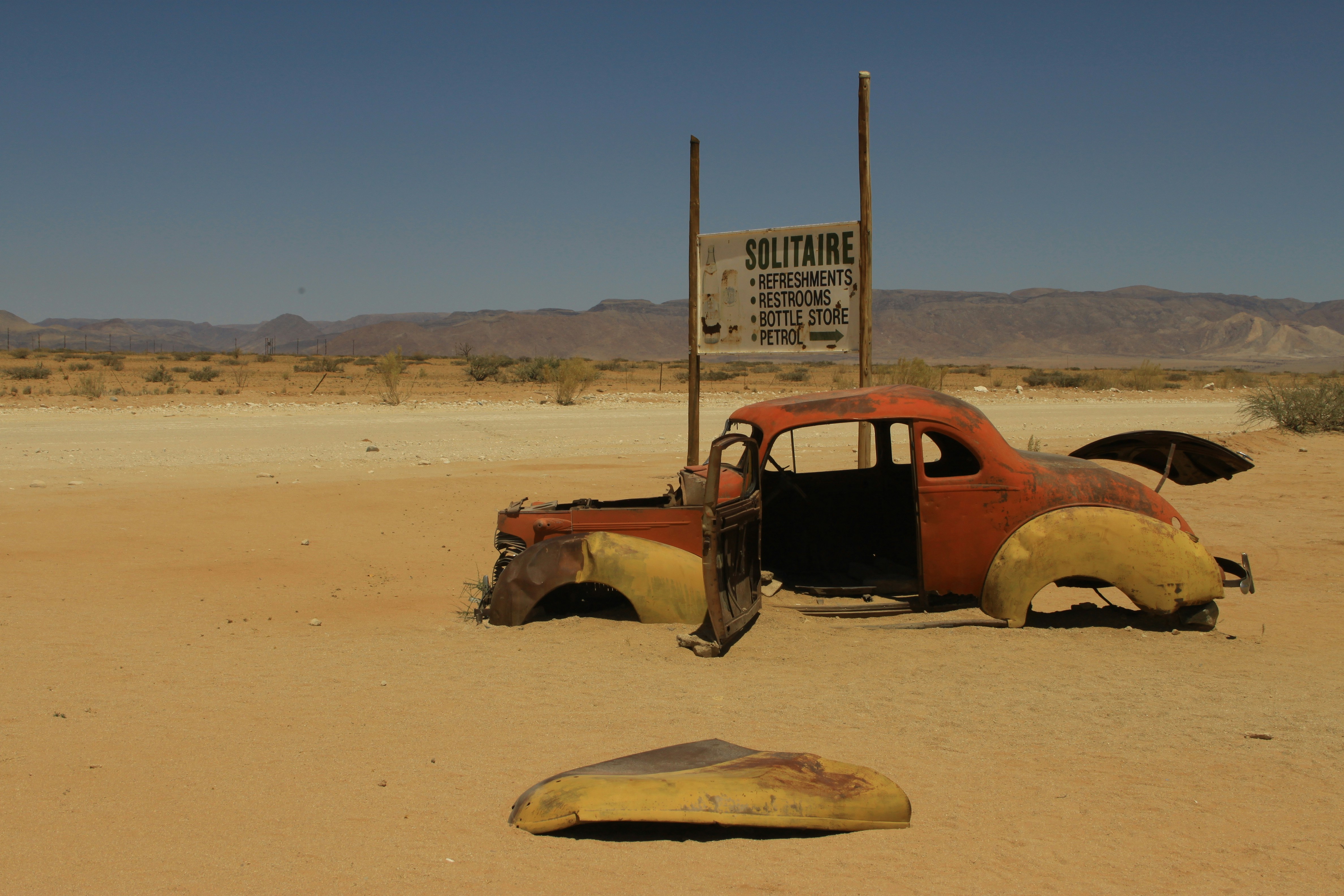
Final montage created by integrating a new subject (me), modified signage (with splatter), added cloud layers, and an inserted aircraft element, with unified color grading and lighting adjustments to create a cohesive and realistic desert scene.
Subject Integration: The subject was extracted and repositioned into the desert landscape. Lighting direction and color balance were adjusted to match environmental conditions, and custom shadows were added to ensure visual realism.
Background Modification: Original signage elements were removed and redesigned to fit the narrative context. Texturing techniques using paint splatter were applied to maintain environmental authenticity.
Atmospheric Enhancement: Cloud layers were introduced and color-adjusted to create depth and atmospheric continuity across the scene.
Motion Element Integration: An aircraft element was incorporated and color-matched to reinforce scale and environmental realism within the composition.

Mini2b: Playing with Background
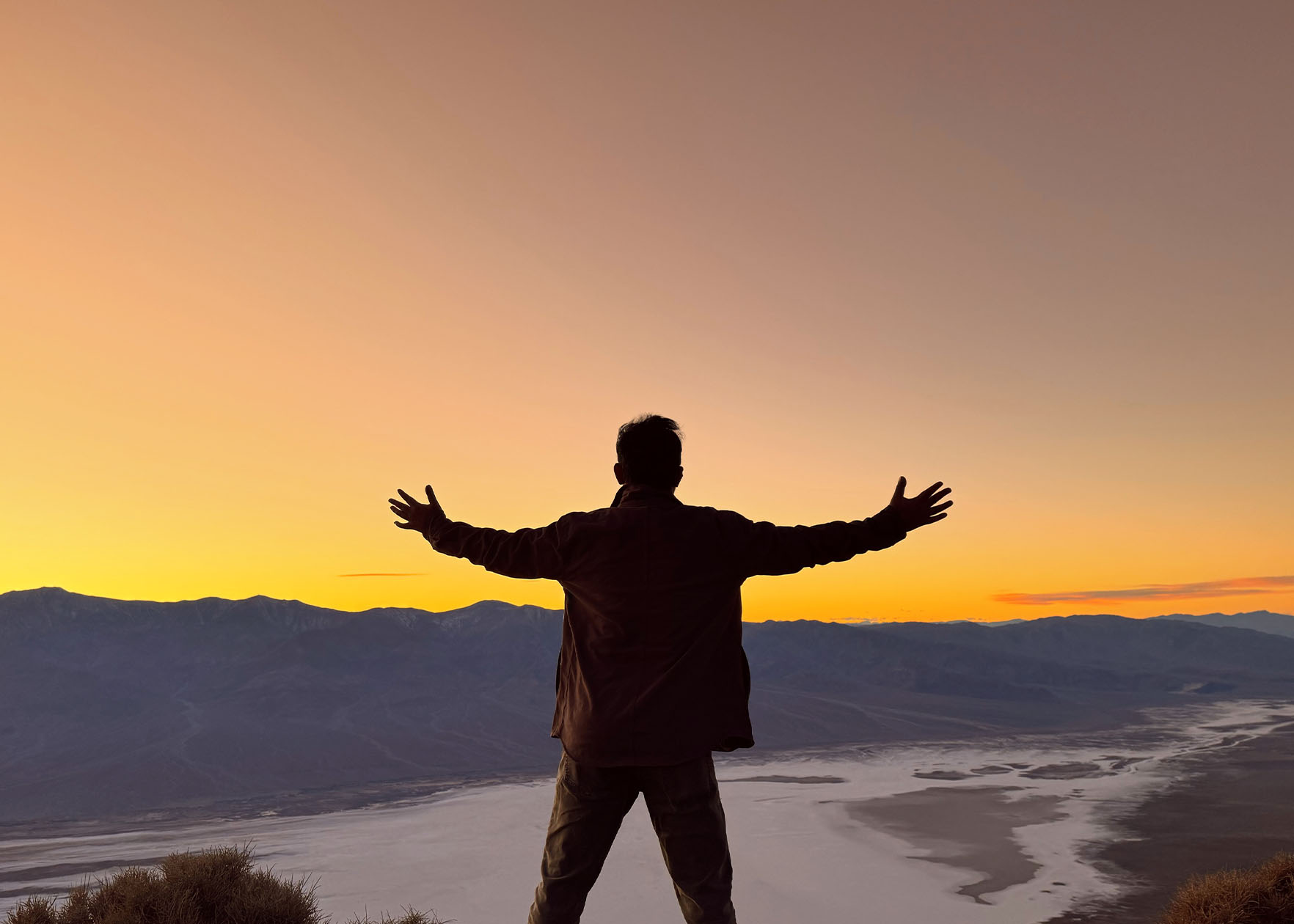
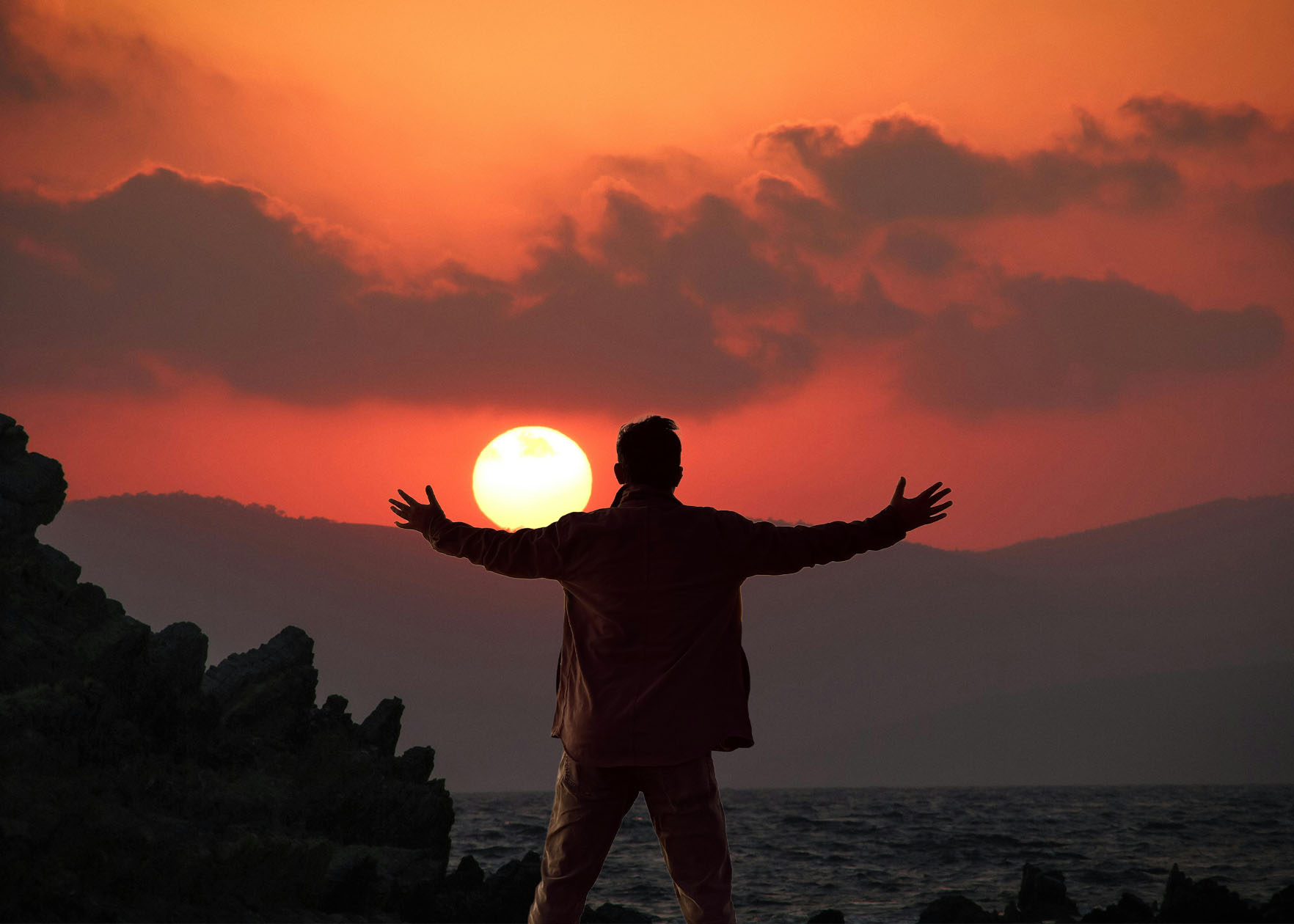
Final Image with New Background
Original Image
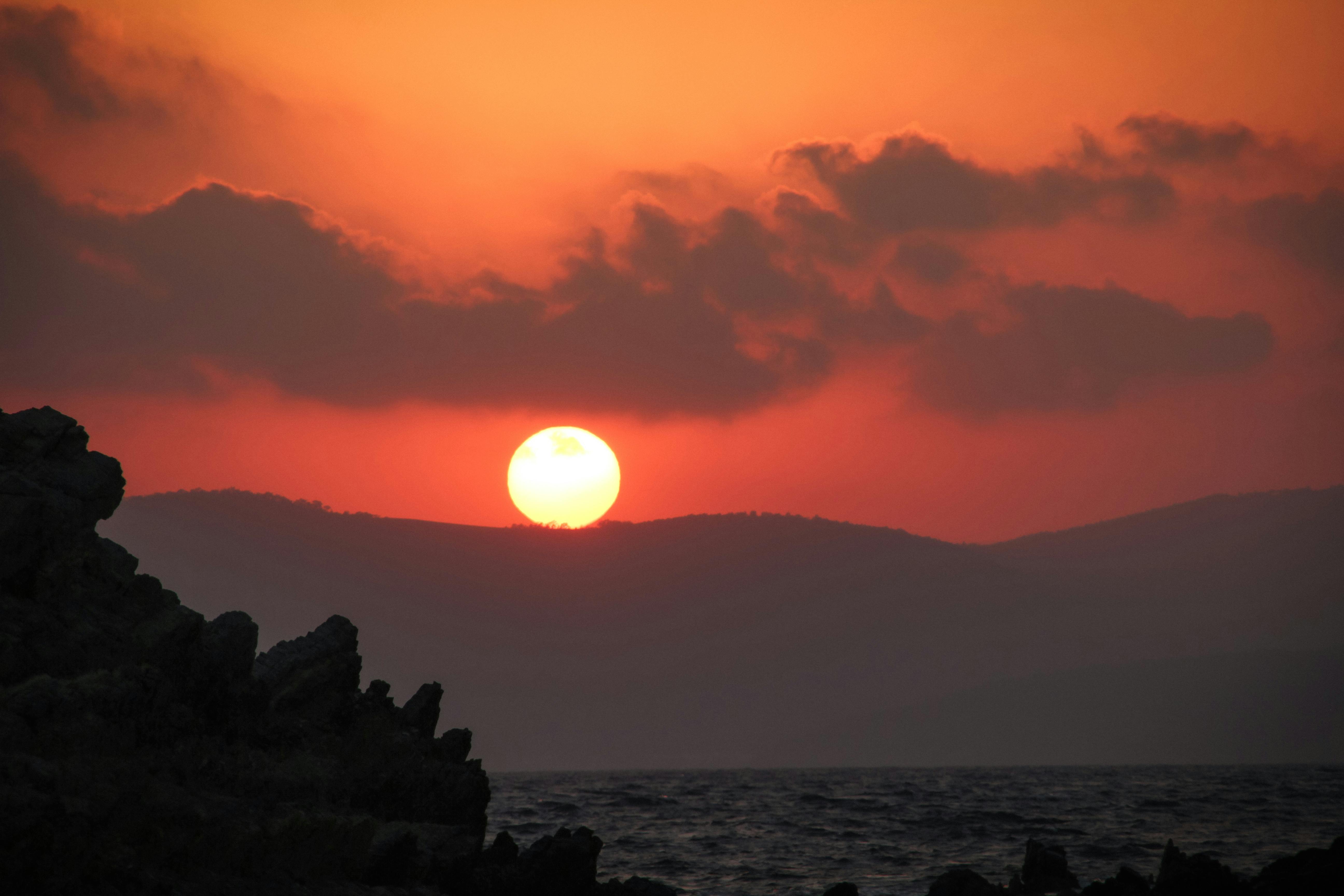
Original Background
Final Image with New Background
No Background
Original Background Image

Mini2a: Edited Images

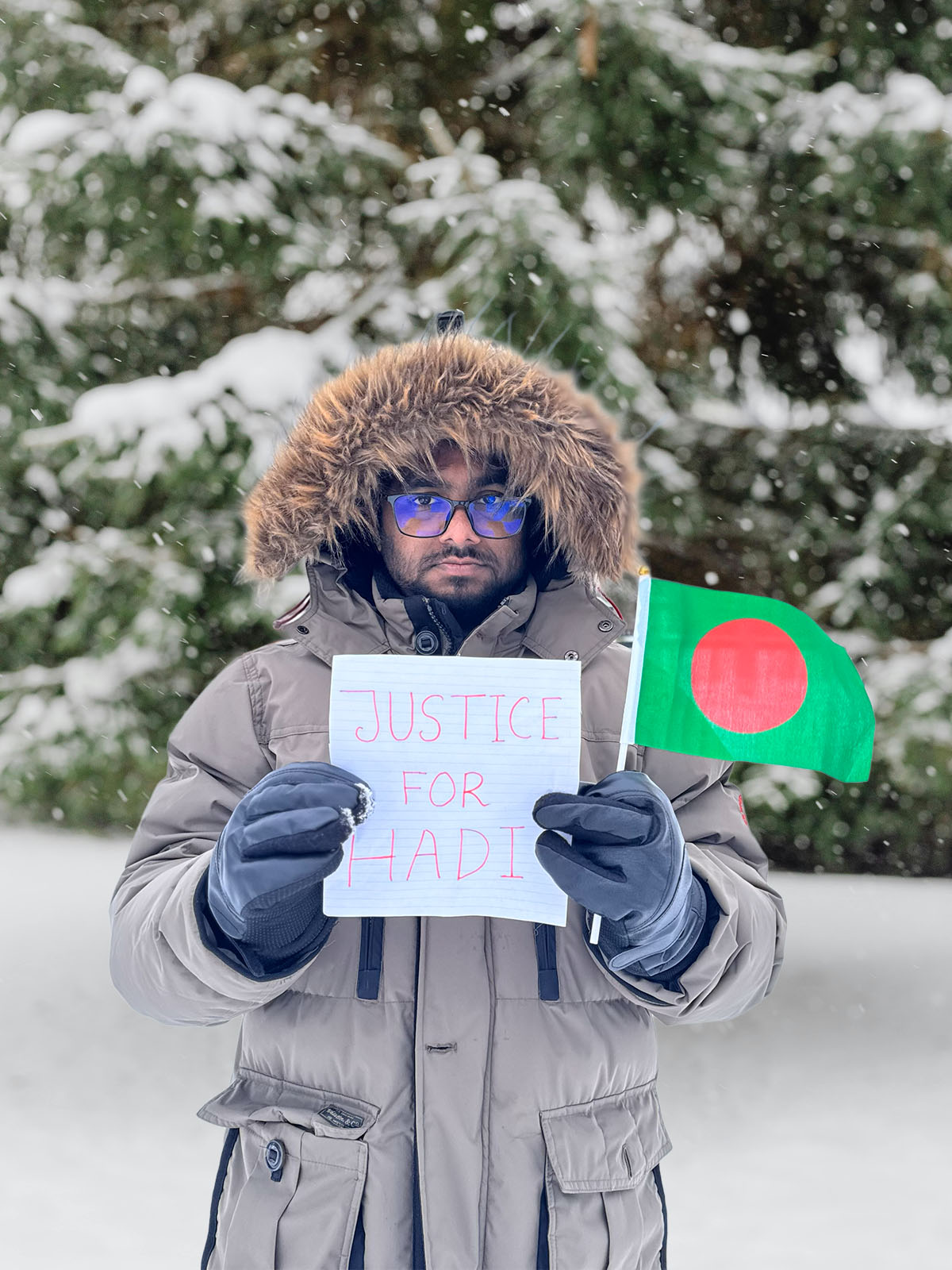
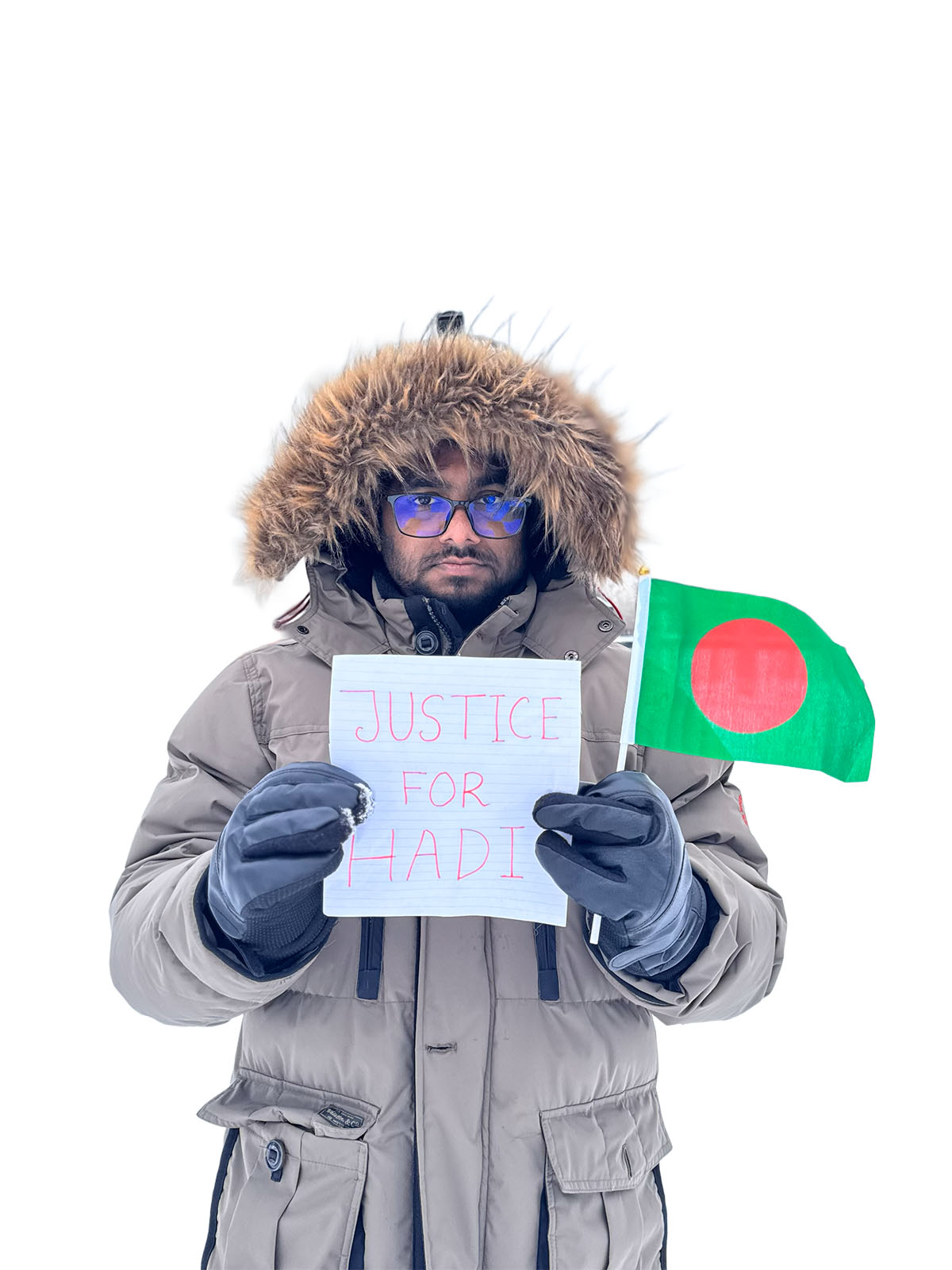
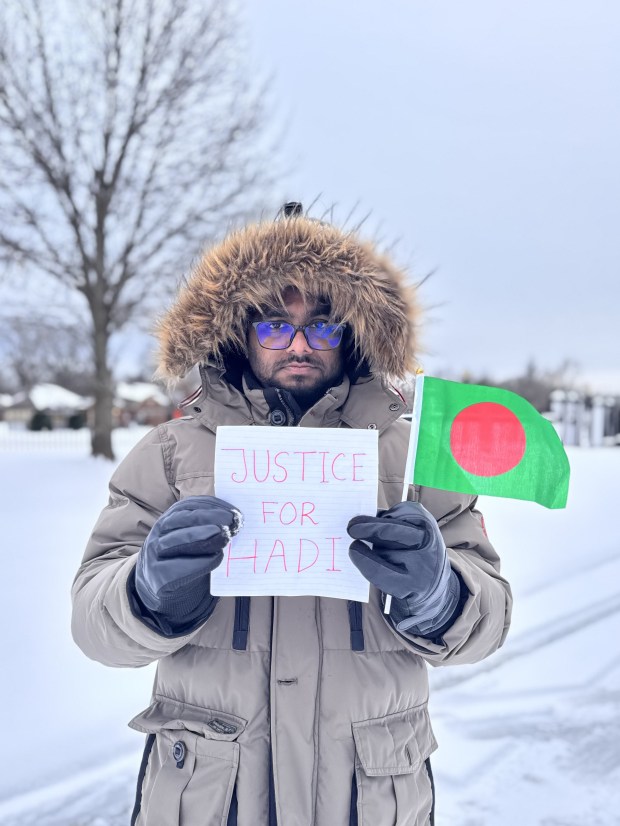
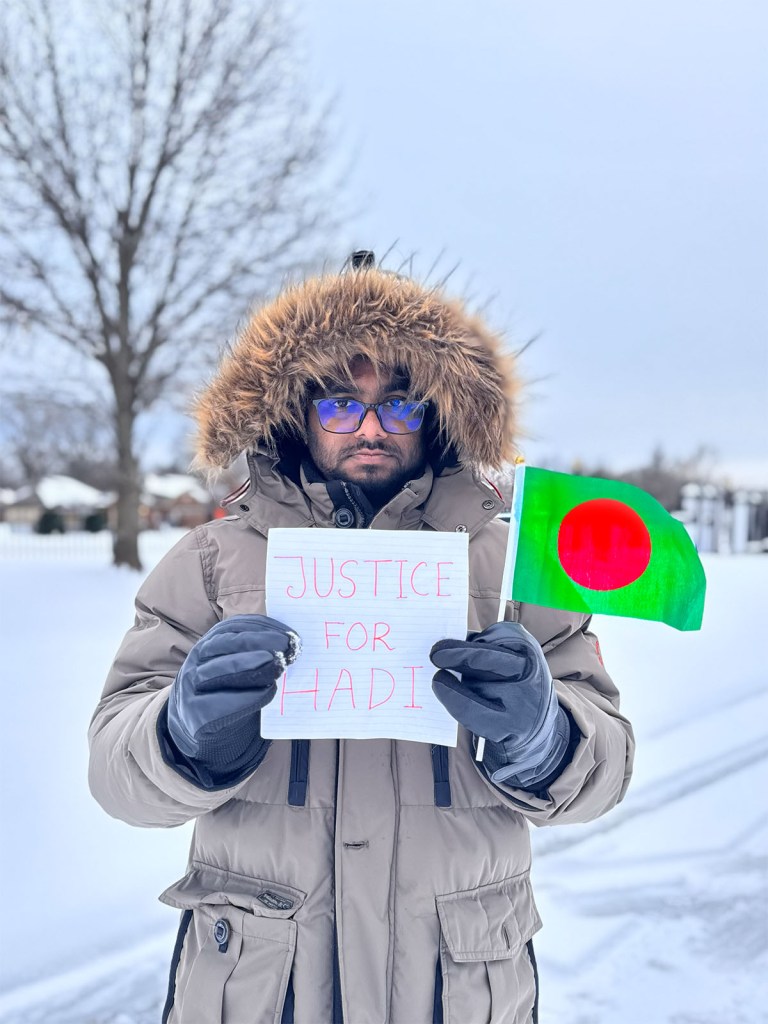
Original Image: This photograph was taken by my wife using an iPhone 15 Pro. It is currently used as my Facebook profile image as part of an online campaign seeking justice for Osman Hadi, a youth leader in Bangladesh whose killing sparked public concern and calls for accountability.
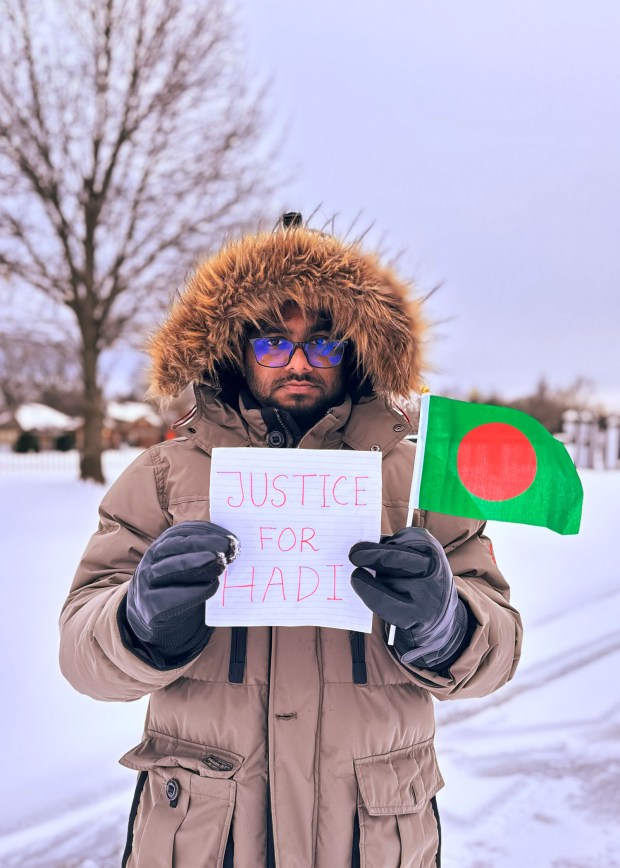
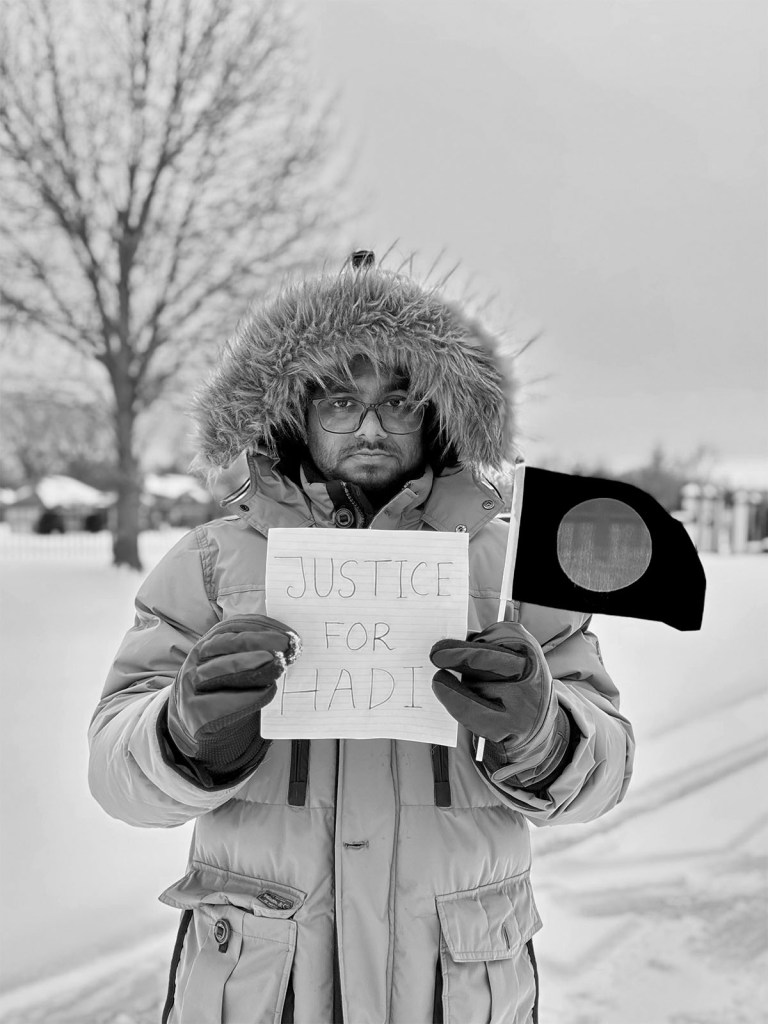
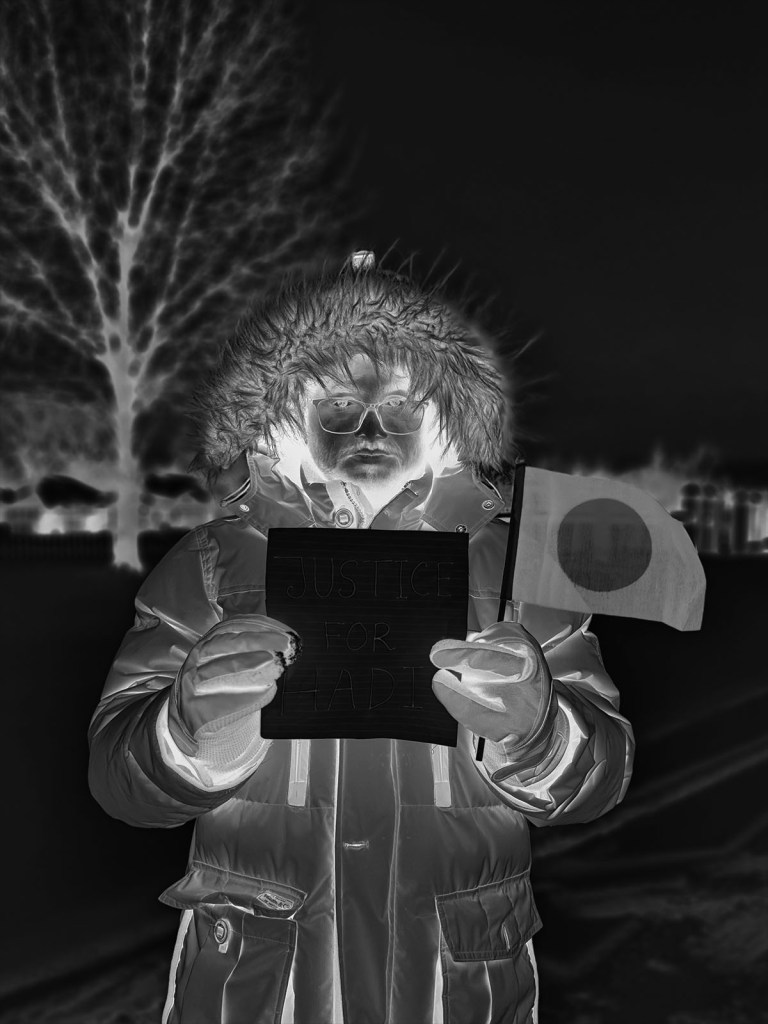
First Edit: Cropped to improve composition, followed by tonal and exposure adjustments in Adobe Photoshop. A darker preset from the Portrait filter set was then applied to enhance color depth, contrast, and overall visual balance, resulting in a more polished and visually cohesive final image compared to the original.
2nd Edit: An additional adjustment was applied using Photoshop’s Adjustment tools, followed by the Photo Repair preset filter with the Soft Contrast setting to enhance image contrast and clarity. While the resulting contrast appears slightly stronger than intended, the overall visual impact and tonal separation improved compared to the initial edit, making this version more visually appealing.
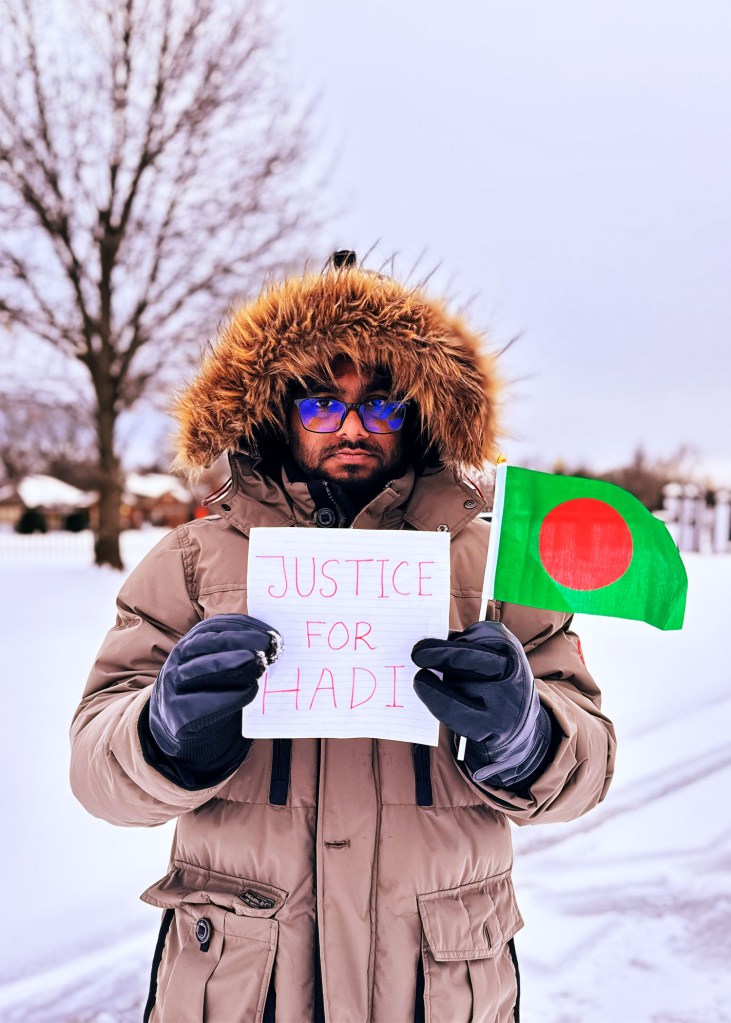
Fourth Edit: This edit applies the Cinematic Dark Mystery adjustment to create a moodier and more atmospheric visual tone. The preset deepens shadows and refines midtone contrast, drawing stronger focus to the subject while subtly darkening background elements. The result enhances emotional intensity and visual depth, producing a cinematic feel that emphasizes subject isolation and narrative presence compared to previous edits.
3rd Edit: In this version, a Creative Black & White adjustment was applied to transform the image into a high-contrast monochrome composition. The adjustment emphasizes tonal separation and texture, particularly in the subject’s clothing, facial features, and background elements, creating a more dramatic and expressive visual mood. It looks very unique from the other edits.
Fifth Edit: In this version, the adjustment brush tool was used to selectively enhance the color saturation and vibrancy of the flag, allowing it to stand out more prominently within the composition. This localized adjustment improves visual focus and strengthens the symbolic element of the image without altering the overall tonal balance of the scene. The result creates a clearer focal point and improves visual impact compared to the original image.